Every server update used to go the same way: a 10-minute warning, everyone logs out, waits, logs back in. Not anymore. Today's 0.646 is the first update that went out mid-game: the world froze for a second, and everyone who was playing stayed right where they were.
Updates without logging out
The new server version starts up next to the old one. The old one saves everybody and hands them over, and your client reconnects on its own in a fraction of a second. What that means for you:
- Nobody gets kicked. The world pauses for a moment and you carry on from the same spot: same map, same open windows, same fight. Nearby monsters pop back in. Only NPC dialogs, trades and storage get closed.
- No retyping your password, even if the update catches you on the character select screen.
- Your friends won't notice. No more "logged out" / "logged in" pings because of an update, and you won't get the message of the day and mail notes a second time.
- "Server is updating" only shows up if reconnecting takes longer than a second and a half.
- If something goes wrong, the old version simply keeps running, and the new one can be rolled back just as quietly.
Along the way the server learned to keep things it used to lose on restart:
- Items on the ground stay put, with the same timer and the same looting priority.
- Skill cooldowns are saved when you log out, just like the original.
- HP and SP are saved when you log out. Before, a restart could roll them back to where they were after your last fight.
- The "shop closed, unsold items returned" note no longer goes missing.
New client out? Keep playing
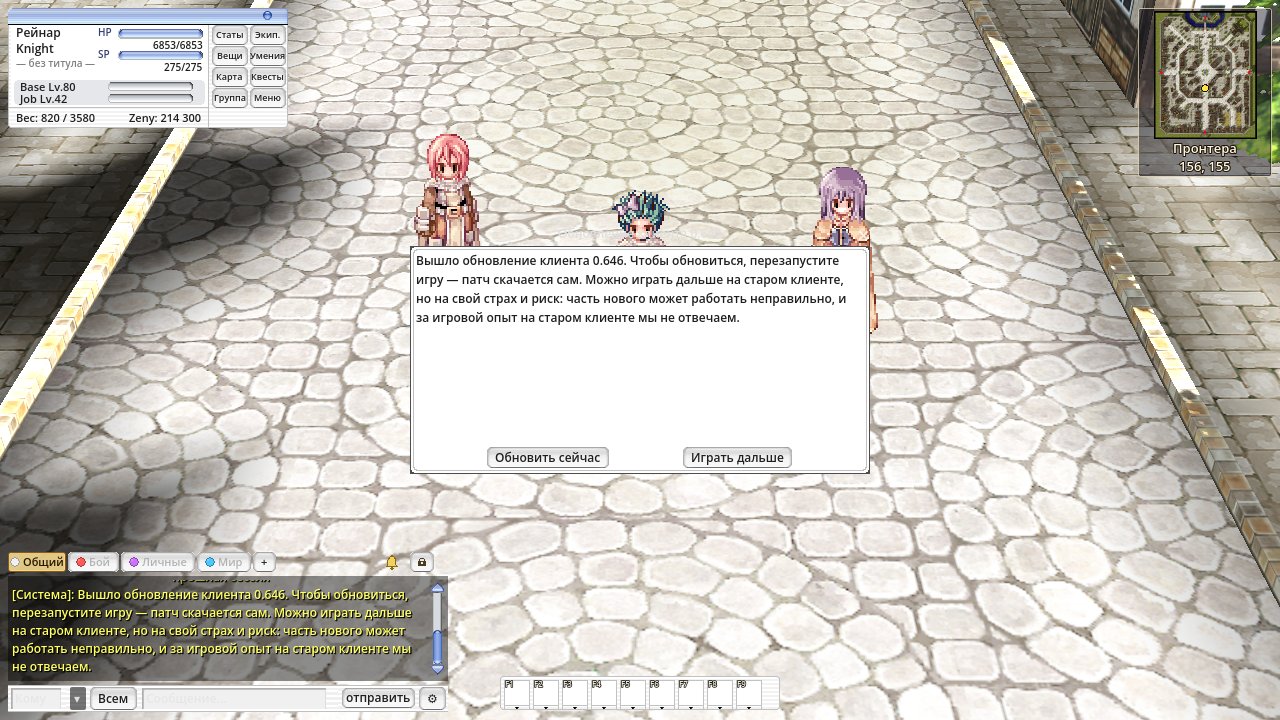
When a patch comes out, nobody gets kicked anymore. You get a "Client update available" message and a window with "Update now" and "Keep playing". Update right away (the game restarts and downloads the patch) or finish what you're doing and update later. You can keep playing on the old client, but it's at your own risk: new stuff may not work quite right.
Patches take half the space
Someone on the forum asked why the patches folder only ever grows. The client no longer keeps old update packs next
to the current version: on today's versions the folder drops from about 1.85 GB to 0.9 GB. The old files clean
themselves up on the next update after this one, and patches download just as fast.
Clicking on monsters
You pick a monster by clicking its sprite, not just a spot under its feet. Now the gaps count too: a hole through a monster's body, the space between its legs. Before, a click there went "into the ground" and your character walked over instead of attacking. Clicking next to a monster, outside its outline, still walks.
Staff announcements
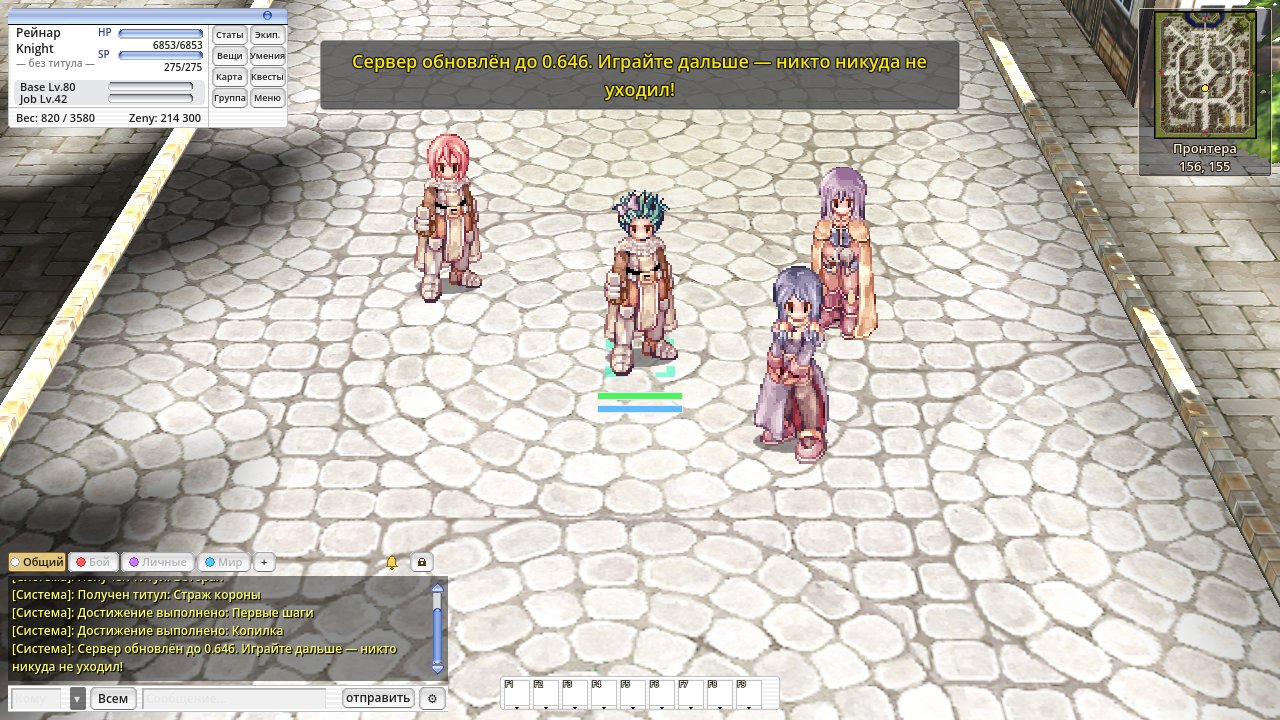
Important announcements now reach everyone at once: a yellow line on a grey bar at the top of the screen, above all windows, plus the same line in chat. Log in within 10 minutes and you'll see it on entry.
On the website
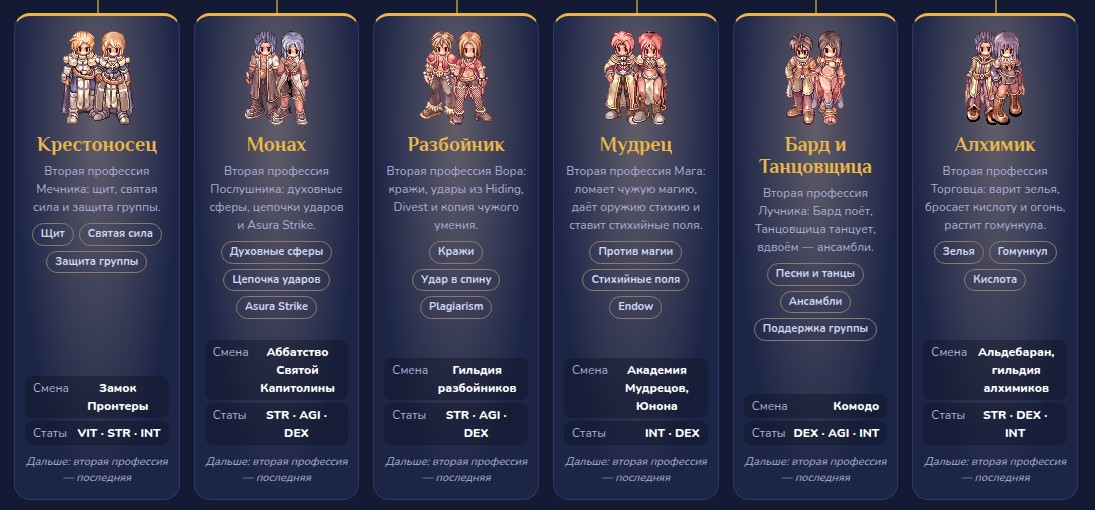
The "Jobs" section now has Bard & Dancer (one page, Bard first, then Dancer) and Alchemist: job tests, stats, skills and skill trees, plus potions, bottles and the homunculus for the Alchemist.
ZeRO app
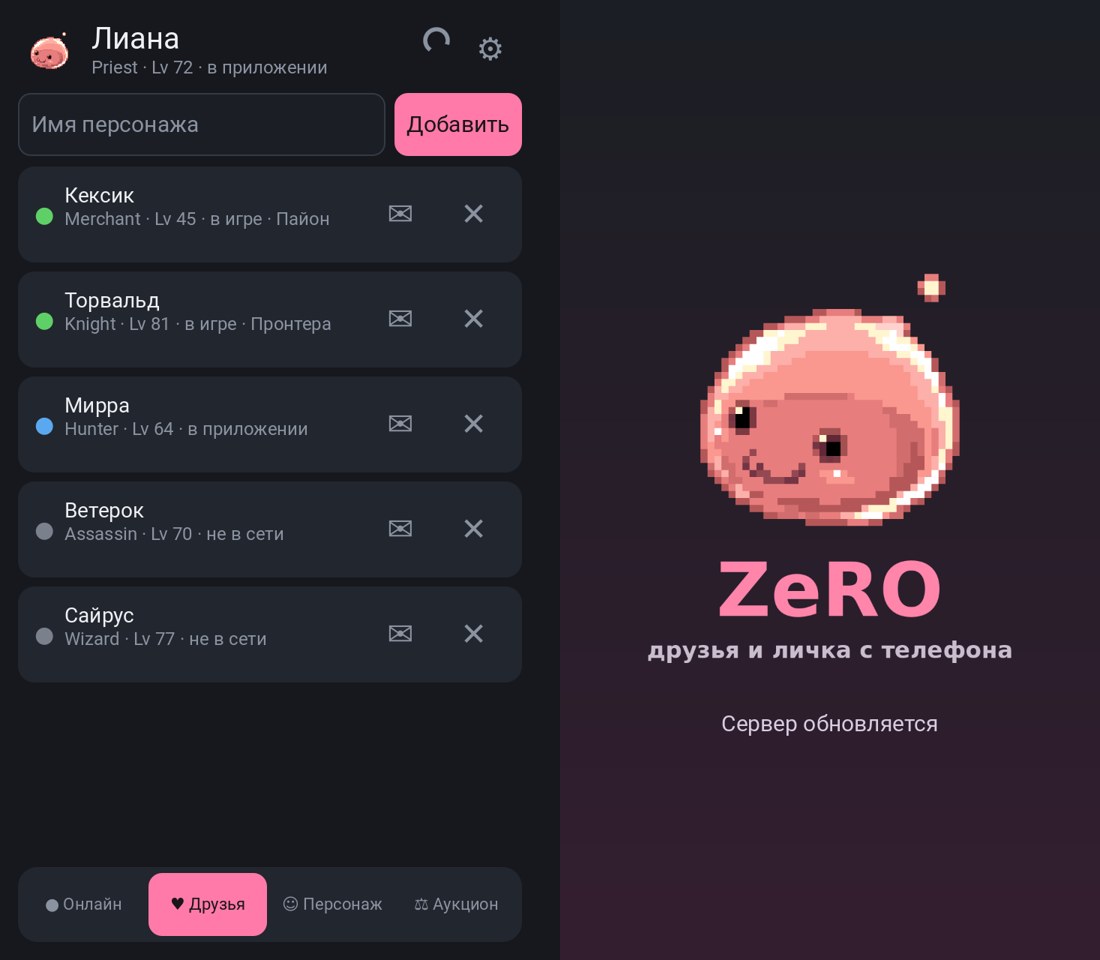
Version 0.503 also rides out server updates and no longer drops you back to the login screen. If the app is open, a little spinner turns in the header for a moment while your friends and chats stay put. Open the app right in the middle of an update and the Poring splash says "Server is updating", then the app logs back in as the same character on its own. Your friends don't get "logged out" / "logged in" notifications.
The client updates itself on launch. Thanks to everyone who posts on the forum and files bug reports: the patches folder and the monster clicks both came from you.